
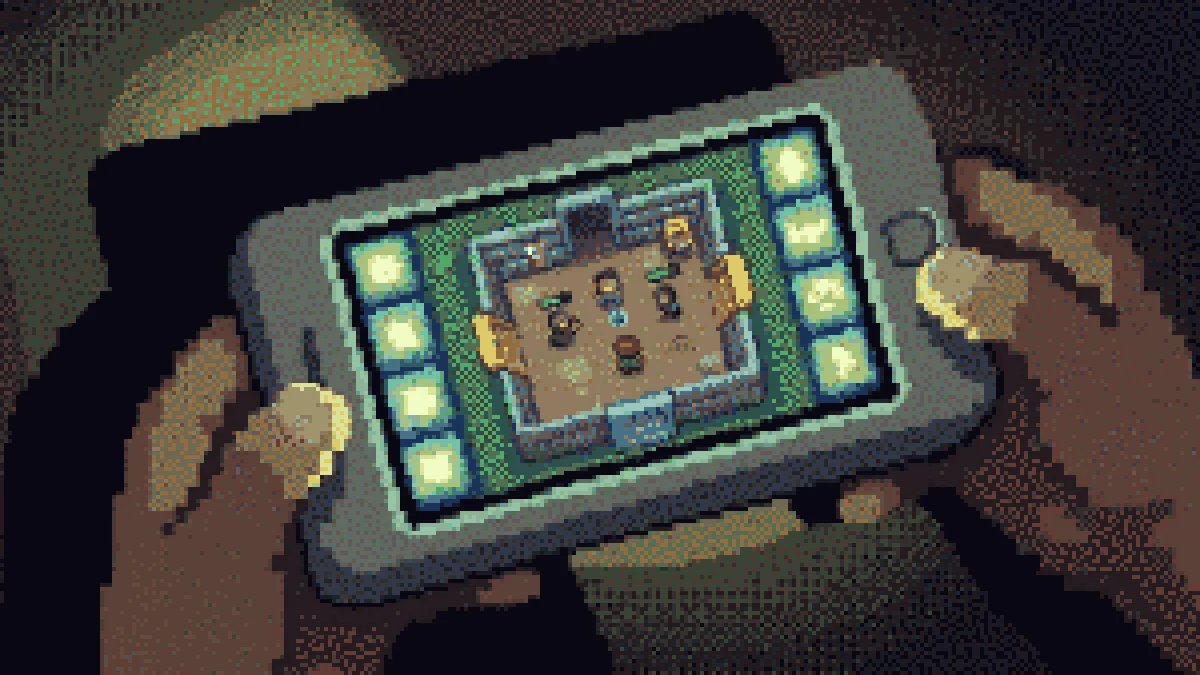
1v1 LOL on mobile is not a cut-down version — it is the same build-and-shoot game with the hardest input problem in the genre bolted on. You need to move, look, shoot, place four different pieces and edit them, all with two thumbs that are already covering part of the screen. It is very playable once the layout is right, and close to hopeless before that. Here is how to set it up.
Play it in the browser or install it?
Both work. The browser version loads in a tab with nothing to install, which is the fastest way to try it and the only option on a locked-down device. The app store builds run a little smoother on older phones because they are not sharing memory with a browser. If you are playing on this site, you are getting the browser build — open it here and press play.
One browser-specific tip that matters more than any other: use the fullscreen button in the player bar before you start. On a phone, the browser chrome eats close to a fifth of the screen, and on a game where a thumb already covers a corner that is the difference between seeing the ramp and not.
Getting the HUD right
The default touch layout puts everything where a designer could reach it, not where your thumbs are. Open the HUD editor in settings and make three changes:
- Move the build buttons into a cluster under your right thumb. Wall, ramp, floor, cone should be within one thumb-roll of each other. Reaching across the screen for a cone is why you keep dying to ramp rushes.
- Make the fire button bigger and put it lower. High fire buttons force you to lift your grip. Low and large beats precisely placed.
- Shrink anything you do not use. Emotes, the map, the extra weapon slots — smaller and out of the way is strictly better than tidy and central.
Then play three matches without changing anything, and only adjust what actually got in your way. Constantly rearranging the HUD is its own trap.
Frame rate is your real skill ceiling
On mobile, more matches are lost to stutter than to aim:
- Drop the graphics quality one notch below what your phone can "handle". A stable 45 fps beats an occasional 60.
- Close background apps, and turn off battery saver — most phones throttle the GPU hard in that mode.
- Play plugged out. Charging while gaming heats the phone and heat is what triggers the throttle.
- On a browser, close other tabs. Mobile Safari and Chrome will happily evict the game's memory to keep a news site alive.
Three-finger and four-finger claw
Two thumbs cap you at roughly one action at a time. Claw grip — index fingers on the top edge of the screen for build and jump, thumbs on move and fire — lets you place a ramp while still moving. It is awkward for the first hour and then it is not, and it is the single biggest jump in mobile play.
Start with three fingers: left thumb moves, right thumb fires, right index places the wall. Add the fourth once that stops needing attention.
What is harder on a touchscreen
Be realistic about the gap. Editing is the hardest thing to do on mobile — a drag across a three-by-three grid with a thumb is genuinely slower than a mouse. Long-range aim is harder too. What is not harder is close-range building, and that is where mobile players should fight. Box up, stay close, and let the other player try to make distance work.
Where to practise
Box Fight is the right mode on a phone: short range, plenty of duels, no long rotations that punish slow turning. Once your build cluster is comfortable, the general improvement guide applies to mobile exactly as it does to PC.