
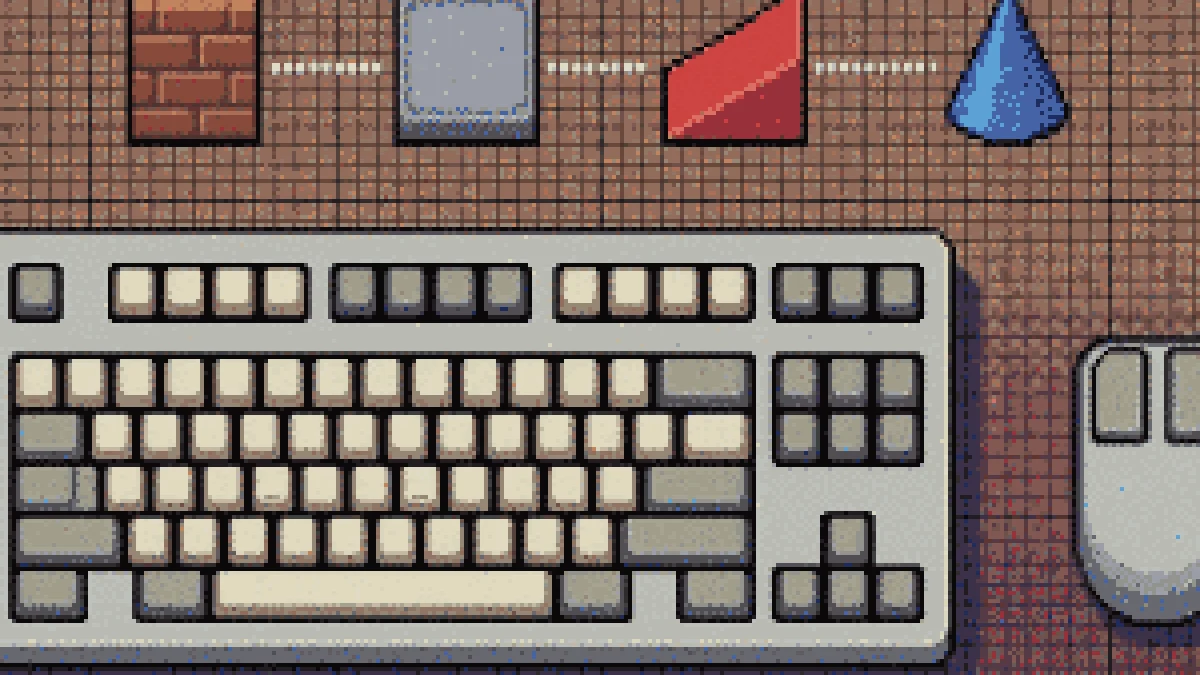
Nothing separates a new 1v1 LOL player from an experienced one faster than keybinds. The default layout is fine for walking around; it is not fine for placing a ramp, editing it and shooting through the gap in under a second. This is the complete list of 1v1 LOL controls on PC, what each one is actually for, and the handful of changes worth making before your next match.
Default 1v1 LOL keybinds
| Action | Default key | What it is for |
|---|---|---|
| Move | W A S D | Standard. Strafing while shooting is most of your survivability. |
| Jump | Space | Also how you get onto a ramp you have just placed. |
| Crouch | Ctrl / C | Smaller hitbox in a box fight; slows you down. |
| Fire | Left mouse | — |
| Aim / scope | Right mouse | On the AR this is accuracy; on the shotgun it is wasted time. |
| Wall | Q | The panic button. Learn this one first. |
| Floor | F | Bridging and roofing a box from below. |
| Ramp | C | Height. Height wins duels. |
| Roof / cone | V | Stops a ramp rush dead when placed over the attacker. |
| Edit | E | Cut a window or a door in your own build. |
| Harvest / pickaxe | G | Farm wood, brick and steel. |
| Weapons | 2 – 5 | Slot order is fixed; muscle memory matters more than the number. |
| Reset edit | Right mouse while editing | Undo a mis-drag without confirming it. |
Exact defaults shift a little between builds and between the browser and mobile versions, so treat the table as the map and confirm in the in-game settings menu.
The three changes almost every good player makes
1. Move build pieces off the letters your fingers already own
Q, F, C and V are all reachable, but C and V ask your thumb or your index finger to leave WASD. Many players remap wall and ramp to mouse side buttons — the two thumb buttons on any five-button mouse — and leave floor and cone on the keyboard. Building then costs your left hand nothing.
2. Put edit on a key you can hold
Edit is not a tap, it is a hold-drag-release. Bound to E it competes with your movement fingers. Bound to a side button or to Shift, it becomes a modifier you can hold while still strafing.
3. Turn off toggle-aim
Hold-to-aim beats toggle in a game where you swap weapons three times in one fight. A toggle left on is how you end up sprinting into a box still scoped.
Sensitivity, briefly
Build-and-shoot needs two different sensitivities and the game gives you both: a higher one for turning and building, a lower multiplier for scoped aim. If you are turning 180° with more than one full mouse sweep you are too low for building; if you cannot hold a head-level line while strafing you are too high for shooting. Our sensitivity guide walks through finding both numbers properly.
Controls that only exist in a browser
Playing in a tab adds two controls the desktop build does not have:
- Pointer lock. The first click captures your mouse; Esc releases it. If your view will not turn, you have lost the lock — click into the frame again.
- Fullscreen. Use the button in the player bar rather than F11. It hands the canvas the whole screen and keeps pointer lock stable, which F11 does not always do inside an iframe.
Practise the binds, not just the aim
Spend one session doing nothing but wall-ramp-jump, over and over, in an empty Box Fight. It feels like a waste of ten minutes and it is the single highest-return ten minutes in the game — every duel afterwards starts with you already on the high ground. When that is automatic, move on to build fighting.
Ready to try the new layout? Open 1v1.LOL and rebind before you queue.